“Digital dentistry” has become one of the most overused phrases in dental marketing — and one of the least clearly explained. Ask ten dentists what it actually takes to become genuinely competent in CAD/CAM workflows, and most will describe a vague sense of needing “more training” without a clear sense of sequence. This guide lays out the actual roadmap: the order in which skills should be built, why that order matters, and where each stage fits into a working digital practice.
Why Sequence Matters More Than Speed
The most common mistake dentists make when entering digital dentistry is starting in the wrong place — jumping straight into expensive CAD software training without first understanding how a digital impression is captured, or attempting full-arch implant planning before mastering basic crown and bridge design. This produces dentists who can operate software but cannot troubleshoot it clinically, because they never built the foundational understanding underneath it.
A proper roadmap moves from fundamentals to clinical application in a deliberate order, so that each new skill sits on a solid base rather than a gap.
Step 1: Master the Fundamentals Before Touching Design Software
Every digital workflow begins with capture. Before any CAD design work makes sense, a dentist needs working fluency in:
- How intraoral scanners capture digital impressions, and where scanning accuracy commonly breaks down
- The difference between digital and conventional impressions in terms of accuracy, patient experience, and clinical indications
- Common file formats used across the digital dentistry ecosystem (STL, PLY, and others) and why format compatibility matters between scanner, software, and lab
- The basic data flow from scan to final restoration
Dentists who skip this stage often struggle later — not because the design software is too difficult, but because they don't understand what a poor scan looks like or why a design has come back wrong.
Step 2: Learn the CAD/CAM Workflow Itself
This is the technical core of digital dentistry. CAD/CAM dentistry — Computer-Aided Design and Computer-Aided Manufacturing — replaces manual restoration fabrication with digital design and automated production. At this stage, the focus should be on:
- Understanding CAD: how crowns, bridges, and other restorations are designed virtually, including margin detection, occlusal anatomy, and contact point design
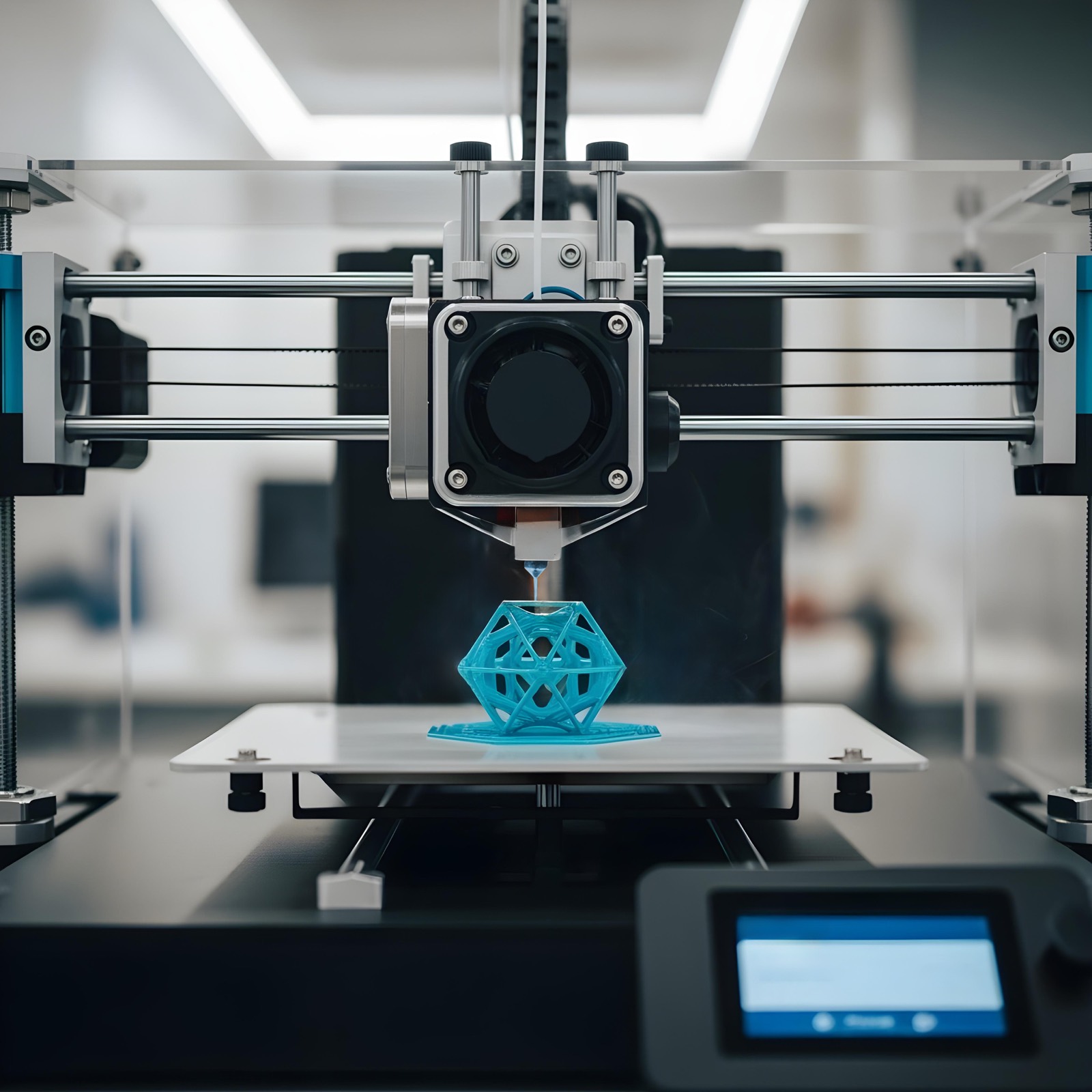
- Understanding CAM: how those digital designs are turned into physical restorations through milling or 3D printing
- The practical differences between chairside CAD/CAM (same-visit, in-clinic restorations) and lab-based digital workflows (more complex cases, sent out for fabrication)
- Material selection — zirconia, lithium disilicate, composites — and which materials suit which clinical indications and manufacturing method
This stage is where most of the genuine efficiency gains of digital dentistry become tangible: faster turnaround, fewer remakes, and more predictable fit.
Step 3: Apply the Workflow to Prosthodontics
Once the core CAD/CAM workflow is understood, the next step is applying it to real restorative and prosthetic cases — digital crown and bridge fabrication, implant prosthetic planning, and full-arch digital rehabilitation. This is also where dentist-to-lab communication becomes a critical skill in its own right: knowing how to send a clean digital file, interpret a lab's return, and troubleshoot discrepancies before they become chairside problems.
Step 4: Bring in Digital Smile Design
With restorative fundamentals in place, digital smile design becomes the layer that connects clinical precision with aesthetic outcomes. This stage focuses on facial and dental analysis, smile proportion principles, and using software to simulate a treatment outcome before any irreversible step is taken. Done well, this dramatically improves patient communication and case acceptance, because patients are no longer being asked to imagine an outcome — they are being shown one.
Step 5: Extend Into Advanced Applications
With the core workflow, prosthodontic application, and aesthetic layer established, dentists can move into more advanced or specialised digital applications — including digital denture workflows for edentulous patients, advanced implant planning, and increasingly, AI-assisted design tools that are beginning to enter mainstream digital dentistry platforms.
A Practical Learning Order
For a dentist starting from scratch, the roadmap typically looks like this:
- Digital impressions and intraoral scanning fundamentals
- Core CAD/CAM workflow (design and manufacturing)
- Prosthodontic digital workflows (crowns, bridges, implants)
- Digital smile design and aesthetic planning
- Advanced and specialised digital applications (dentures, complex full-mouth cases)
Why This Roadmap Pays Off Clinically
Dentists who follow a structured path rather than a scattershot one tend to see the difference quickly: fewer remakes, faster case turnaround, stronger lab communication, and noticeably better patient case acceptance once smile design is added to the workflow. Just as importantly, they end up with transferable understanding — able to adapt to new software or hardware as the field evolves, rather than being locked into one platform they learned by trial and error.
Final Thought
Becoming a digital dentist is not about acquiring one piece of software or one certificate — it is a sequenced skill-building process, from scanning fundamentals through to aesthetic application. Dentists who follow that sequence deliberately, through properly structured CPD training, build a digital practice that is genuinely resilient — not just digitally equipped, but digitally competent.
Ready to Build Your Digital Skills?
Explore ACAD's accredited programmes and take the next step in your clinical development.